Note
Go to the end to download the full example code.
Fill area between curves
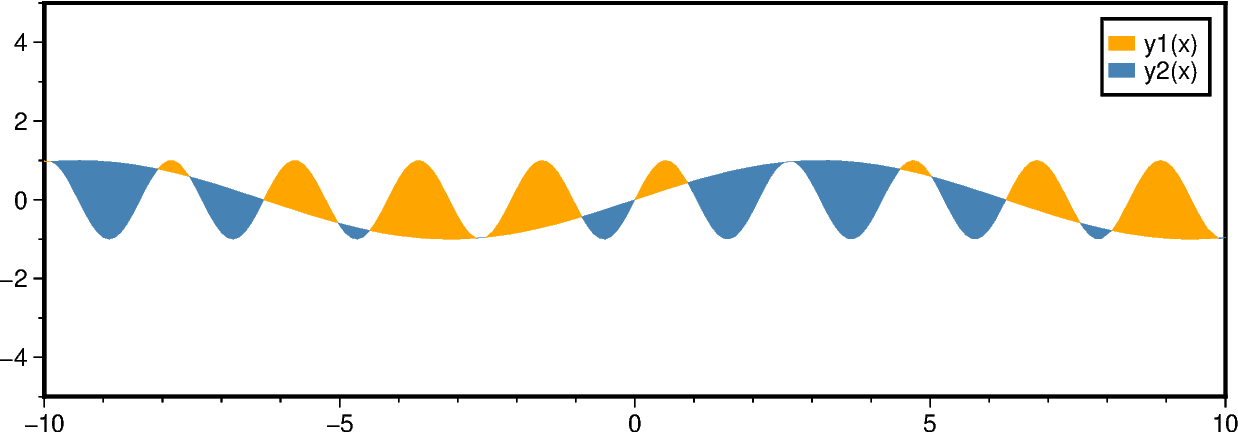
The pygmt.Figure.fill_between method fills the area between two curves y1 and
y2. Different fills (colors or patterns) can be used for the areas y1 > y2 and
y1 < y2. Optionally, the curves can be drawn.
To plot an anomaly along a track use pygmt.Figure.wiggle and see the gallery
example Wiggle along tracks.
Fill the areas between the two curves. Use the fill and fill2 parameters to
set different fills for areas with y1 > y2 and y1 < y2, respectively. Use the
label and label2 parameters to set the corresponding legend entries.
fig = pygmt.Figure()
fig.basemap(region=[-10, 10, -5, 5], projection="X15c/5c", frame=True)

fig.fill_between(
    x=x, y=y1, y2=y2, fill="orange", fill2="steelblue", label="y1(x)", label2="y2(x)"
)
fig.legend()
fig.show()
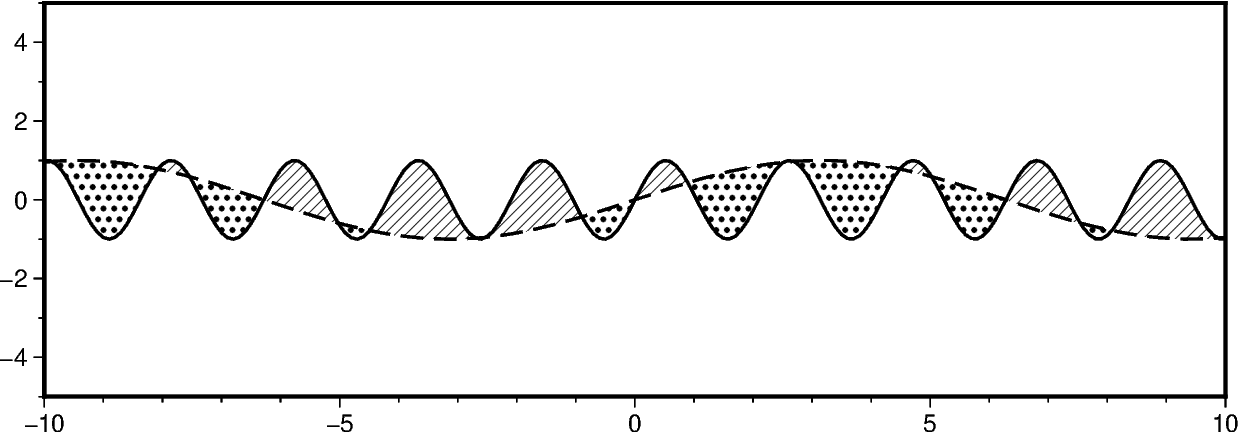
In addition to filling the areas, we can draw the curves. Use the pen and
pen2 parameters to set different lines for the two curves y1 and y2, respectively.
fig = pygmt.Figure()
fig.basemap(region=[-10, 10, -5, 5], projection="X15c/5c", frame=True)
fig.fill_between(
    x=x,
    y=y1,
    y2=y2,
    fill="p8",
    fill2="p17",
    pen="1p,black,solid",
    pen2="1p,black,dashed",
)
fig.show()
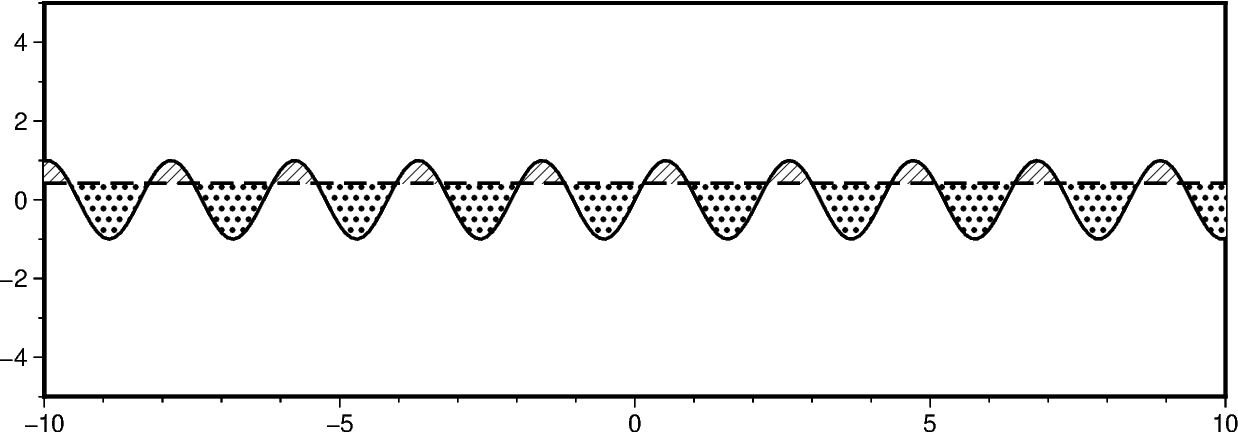
To compare a curve y1 to a horizontal line, pass the desired y-level to y2.
fig = pygmt.Figure()
fig.basemap(region=[-10, 10, -5, 5], projection="X15c/5c", frame=True)

fig.fill_between(
    x=x,
    y=y1,
    y2=0.42,
    fill="p8",
    fill2="p17",
    pen="1p,black,solid",
    pen2="1p,black,dashed",
)
fig.show()
Total running time of the script: (0 minutes 0.337 seconds)